

 UTAH EDUCATION NETWORK


 More K12 Education
 my.uen Login
 Forgot my.uen Login
 Find a School
 Canvas Logins
 Teacher Tips
 PD Newsletter
 PDTV
PDTV Adobe
Adobe Canvas
 eMedia
 Google
 Nearpod
 Utah's Online School Library
 Justin
 Dani
Dani Rob
Rob Val
Val Kayla
Kayla WebEx
WebEx Zoom
Zoom CMS Web App
 TMS
TMS YouTube
 Network Outages
 Network Traffic Map
 Speed Test
 Infrastructure Map
 Facebook
 Instagram
 LinkedIn
 News RSS
 Contact Us Form
 Dashboards
 Maps
Maps Widgets
UEN PD News - Archives

May 27, 2022
In this episode of Adobe Spotlight, Rob teaches us how to navigate the exciting new quick action features in Adobe Creative Cloud Express. Watch to discover ways you can use these tools to enhance your classroom projects!
May 26, 2022
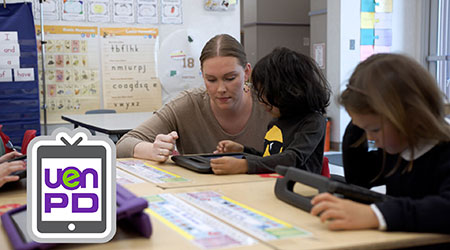
PDTV, Host Katie Blunt travels to Park City, Utah, to see the 4Cs of education in action! Kindergarten teacher Amanda Lawing at Trailside Elementary shares how she’s had success using technology tools to develop...

May 9, 2022
Katie Blunt is in Moab, Utah where she walks us through the importance of researching and strategizing to find the best ways to use educational technology tools in your classroom. Then, we see it in action as 2nd-grade teacher...
May 2, 2022
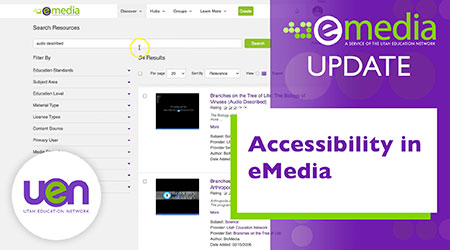
In this eMedia update, Katie Blunt walks us through the different accessibility tools offered on the eMedia site. We learn how to access resources with accessibility features and how to customize the site for easier navigating.
April 25, 2022
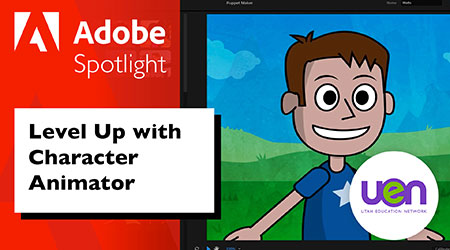
In this episode of Adobe Spotlight, Rob demonstrates new features in Adobe Character Animator. Watch to learn more about the program's exciting possibilities for your classroom!

April 25, 2022
In this episode of UEN Nearpod News, Jami provides a look at the Google Slides Add-On and demonstrates how easy it is to convert your Google Slide presentations into Nearpod lessons.
April 12, 2022
Teachers from Alpine School District share the secrets of their success with mathematics instruction. Host Katie Blunt guides us in understanding how reflective practice and data analysis have contributed to positive changes in...

April 12, 2022
As a Utah classroom teacher or school leader, we invite you to participate in a survey of professional development practices.

April 1, 2022
Explore Open Educational Practice (OEP) with Katie Blunt and learn how eMedia tools and the OER Collective hub can help you contribute to the eMedia community and participate in building a library of quality Open Educational...

March 31, 2022
Katie Blunt travels to Provo to visit with attendees at the annual conference of the Utah Coalition for Educational Technology (UCET). She talks to a teacher, an administrator, and a UCET board member about how the UCET...
March 29, 2022
Matt Winters, a Senior Technical Trainer at the Utah Education Network and co-lead for Google Educator Group Utah has created a video series on using Google’s Applied Digital Skills in your classroom!
March 22, 2022
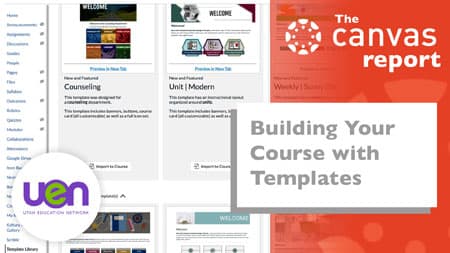
In this episode of The Canvas Report, Shannon and Justin demonstrate the ease of importing pre-made and totally FREE templates in your Canvas course, along with customizing those templates to match your course.

March 17, 2022
On this episode of UEN PDTV, Katie Blunt travels to Manti Elementary where computer science specialist, Julia Bratton, demonstrates how she incorporates critical thinking, project-based learning, and computational thinking into...

March 8, 2022
It's time to start reviewing content for yearend testing. In this episode of Nearpod News, Jami Gardner teaches us how to convert quizzes that you've already made in Nearpod into a fun and engaging Time to Climb activity.

March 1, 2022
In this eMedia Update, Katie Blunt introduces us to the 5-star-rating system, comments, and evaluations. These tools can help educators easily find high-quality resources that other educators have found valuable.